The Hub blog
Webflow, the designer's CMS in 2020?
Webflow, the new kid on the block that changes everything!
Today, Ophélie, a young freelance designer from the dgitags.io _talent community, trained at HETIC, gives us her take on Webflow, the next-generation CMS that lets users quickly create and launch websites. Still little known in France to date, this tool has everything it takes to win people over, and perhaps even become the favourite CMS of designers in 2020 and of many French entrepreneurs, freelance or not. As a freelancer, Ophélie supports her clients with design, web marketing strategy and website creation.
_
Webflow is a CMS founded in 2013 in California by three brothers passionate about technology and the internet, Sergie Magdalin, Vlad Magdalin and Bryant Cho, pioneers of the “No Code” movement.
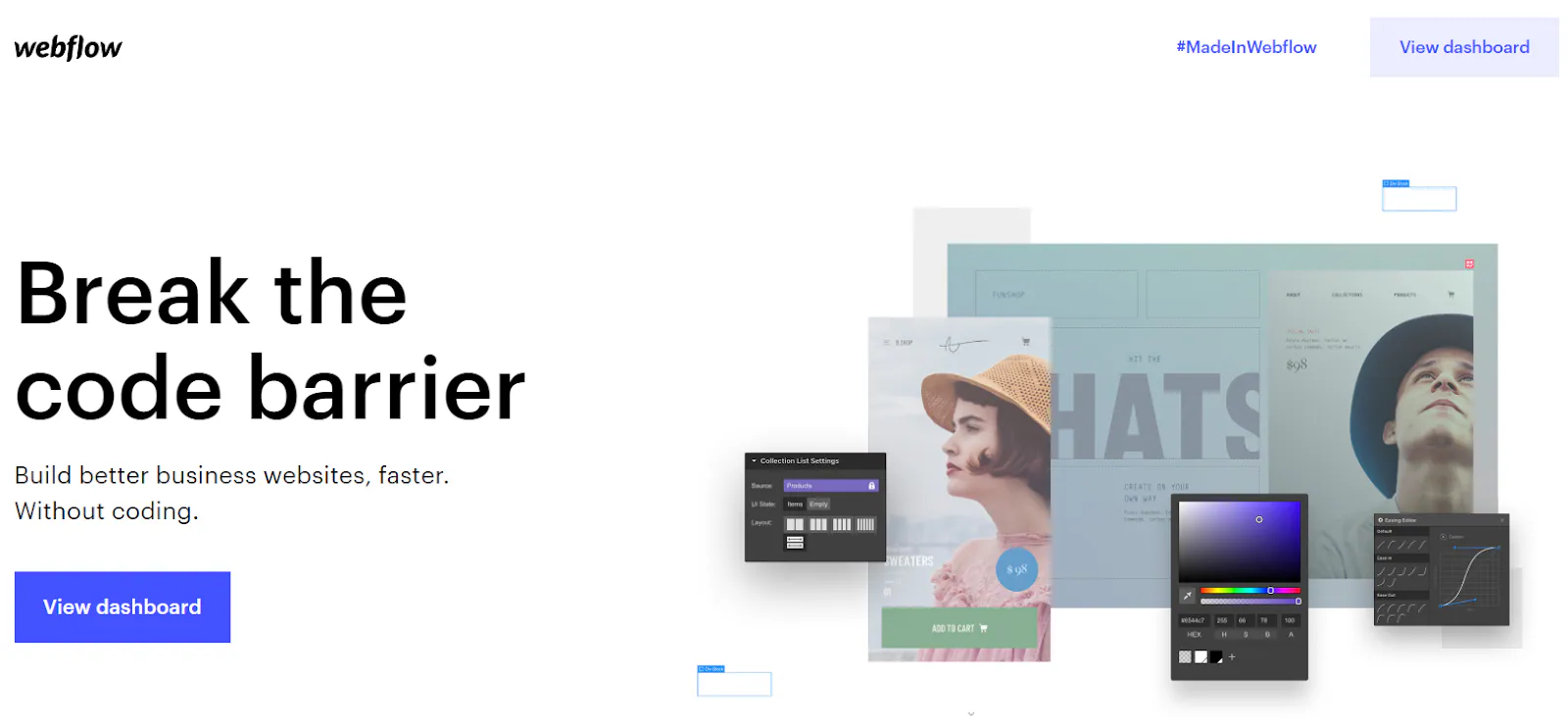
Unlike platforms such as Weebly, Wix or Shopify, Webflow lets its users build a website very simply, without needing any prior coding knowledge. It’s a tool designed and built for web designers, whether beginners or experts.
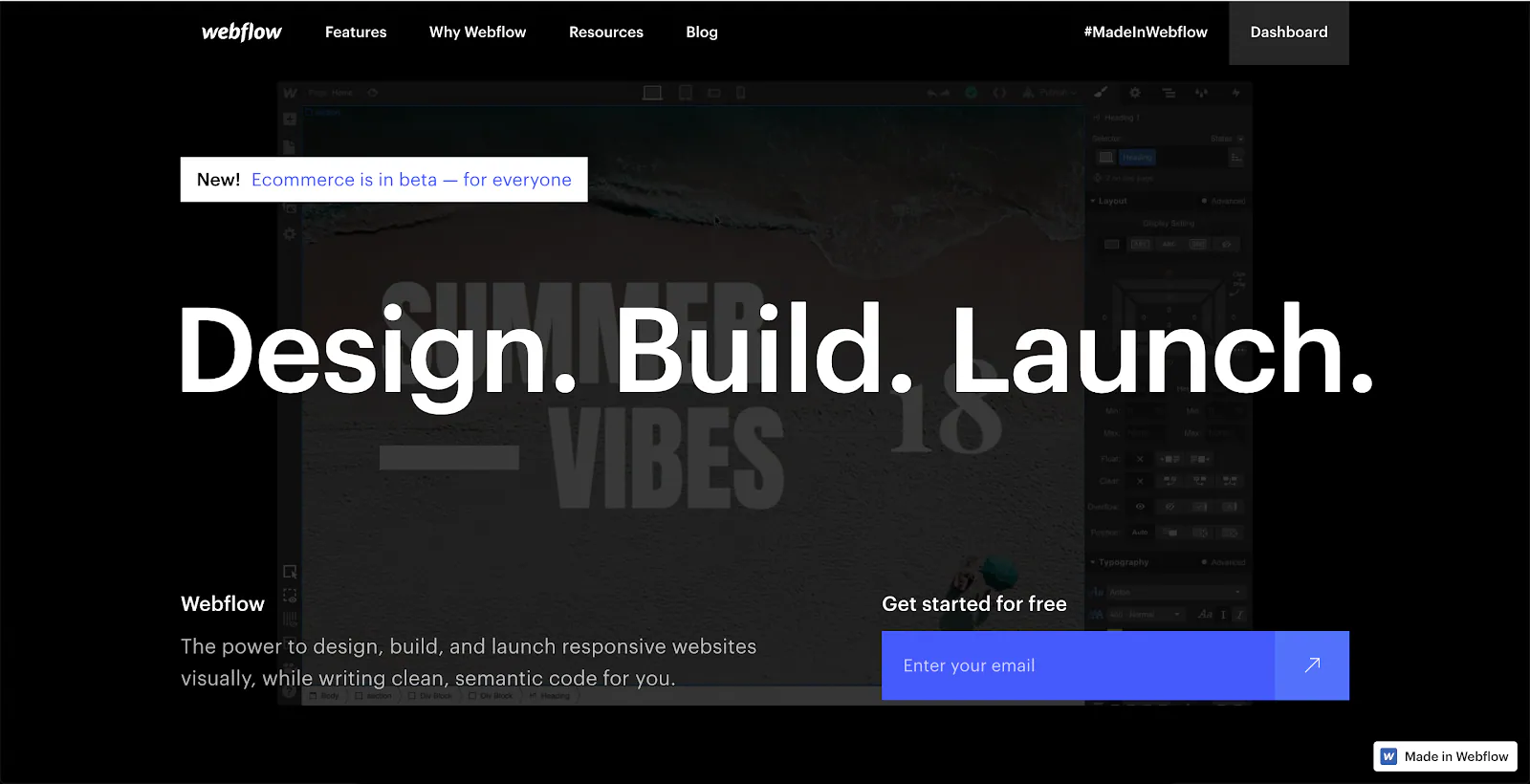
Webflow’s promise?: Design.Build.Launch.
That’s all..

My name is Ophélie, I’ve been a web designer for 2 years now, and after using WordPress and other CMSs a lot, I was looking for a more intuitive way to design and express my creativity online. A few months ago, I discovered Webflow and fell completely in love with it!
Webflow is a very easy tool to use. Even if you have no hands-on web development experience, you can easily understand and master its basic functions. I’m not quite a developer yet, but using software like Webflow lets me stay creative while producing fully functional websites.
The code is clean and exportable, and the sites are responsive, with the ability to manage, reorganise and save content for each type of device, all live.
A huge time saver
**Most product teams seek to minimise the time it takes to go from idea to ready-to-use product, without sacrificing design quality along the way. Webflow largely addresses this problem. With this tool, I can create entire showcase website concepts, or high-performing landing pages, in just a few days, without needing a developer.
So it’s a real saving of time and money, both for my clients and for me.**
Designers often like to create beautiful effects in prototypes that developers then struggle to reproduce in code. With Webflow, I was able to avoid an extra cycle with them, and start creating complex interactions myself (especially animated transitions and parallax).
Webflow tries to simplify the web design process by letting you design and develop at the same time.
Plenty of resources to learn

Admittedly less intuitive to use at first than its competitors, Webflow nevertheless has tutorials, available in “Webflow University”, which are easy to follow and understand.
As the tool is still little known in France, these courses are only available in English for now.
Like most other website builders, there are hundreds of professionally designed templates to choose from. Even though as designers we’ll create our design entirely ourselves, it’s still interesting to see the possibilities this CMS offers.
On top of tutorials, Webflow also offers use cases and videos for learning.
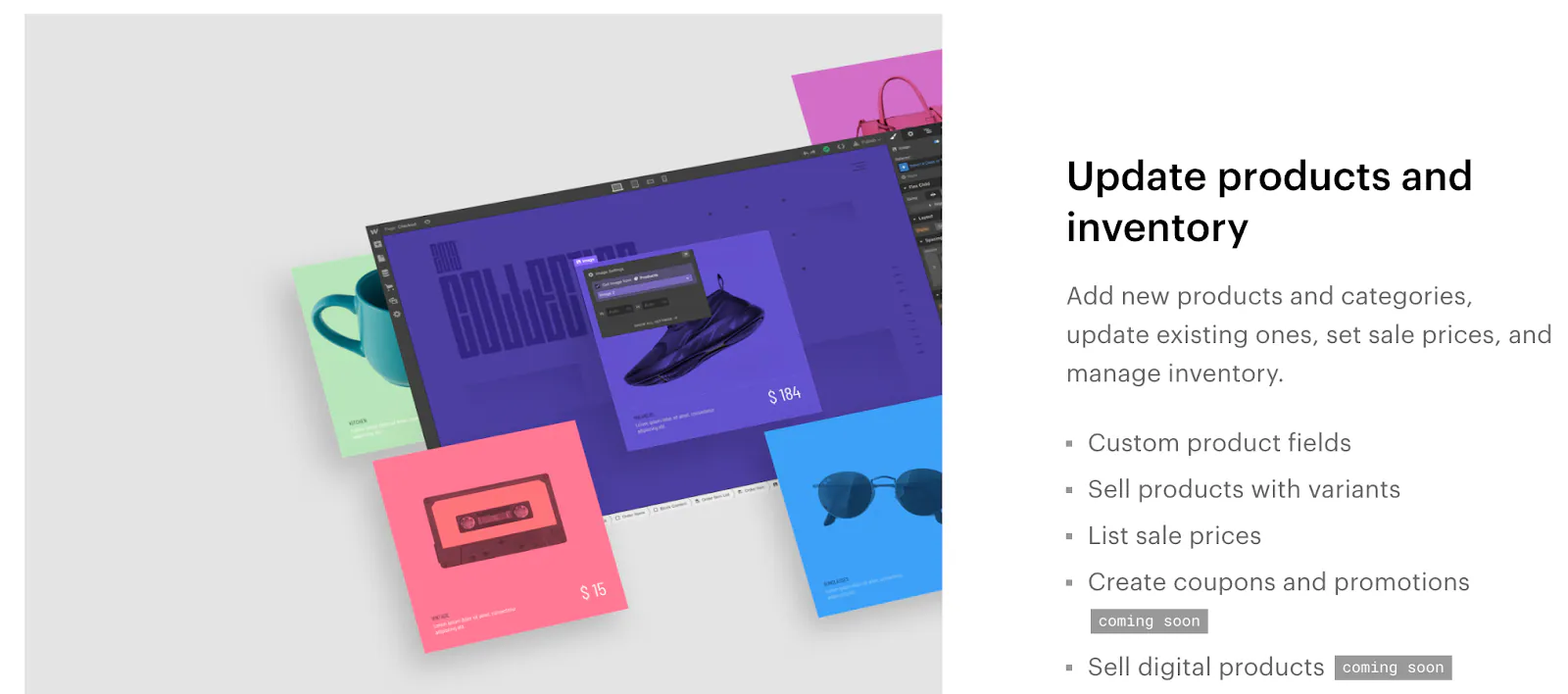
What’s more, as you can see below, Webflow also lets you create blogs and e-commerce sites, so it offers the same features as Shopify, for example.
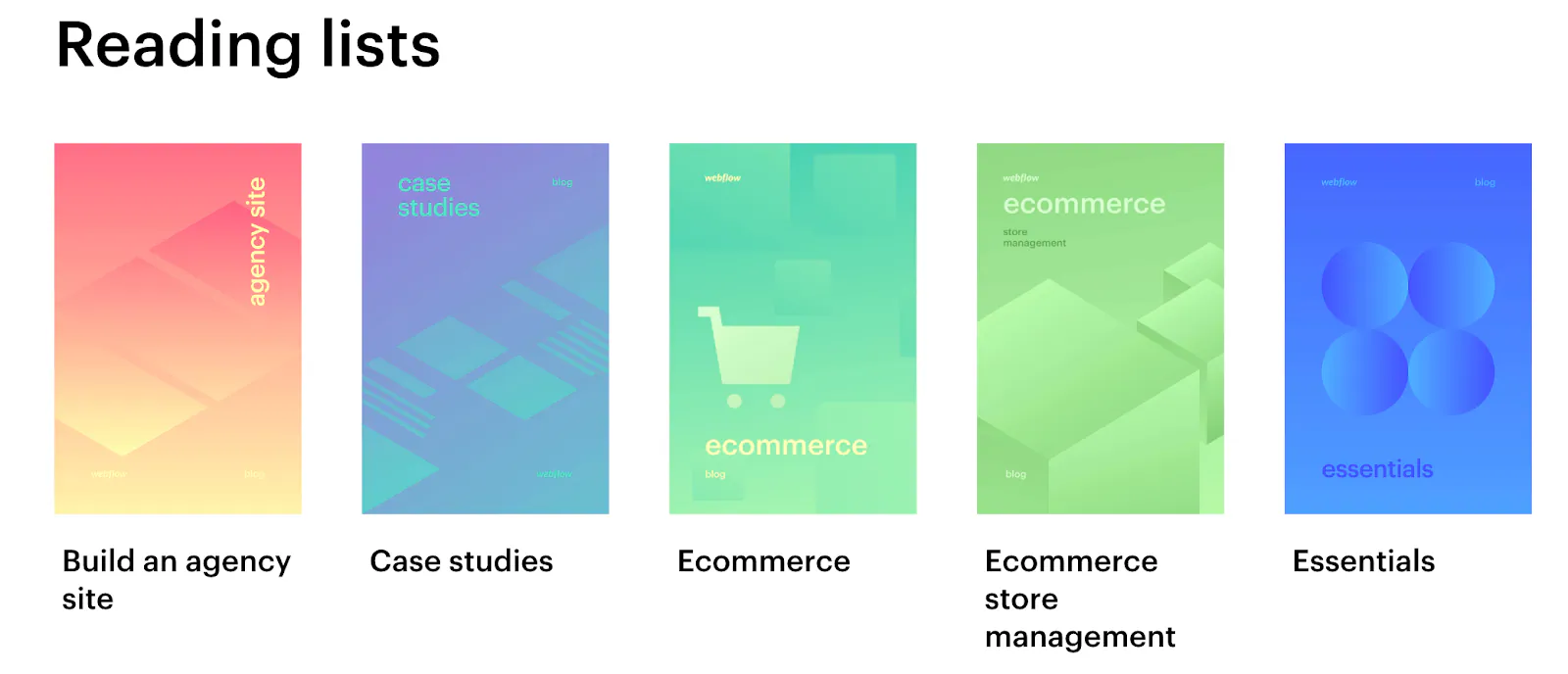
To go further on the e-commerce side, here’s the link to the Webflow page.
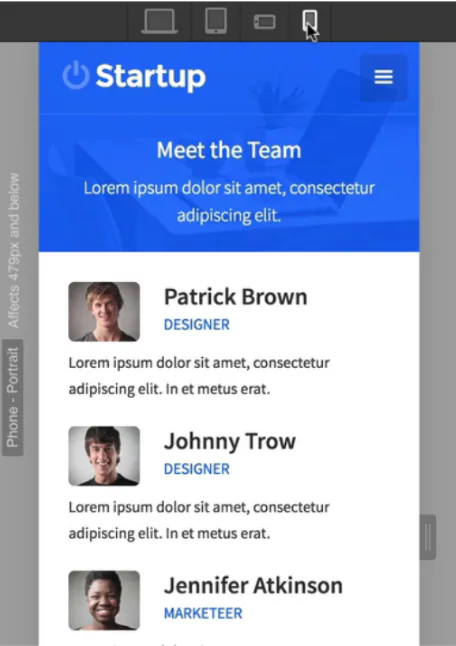
Responsive design and adding content made ultra simple
From its design interface, Webflow lets the designer view and edit live how their site renders on a large screen, a laptop, a tablet or a mobile, switching from one mode to another very easily.
Webflow claims that adding content is as easy as filling in a form, and whenever you’re ready to publish your changes, you can do so in a single click. Thanks to the live preview, in a pre-production environment included in the platform, you won’t get any surprises once your content is published.
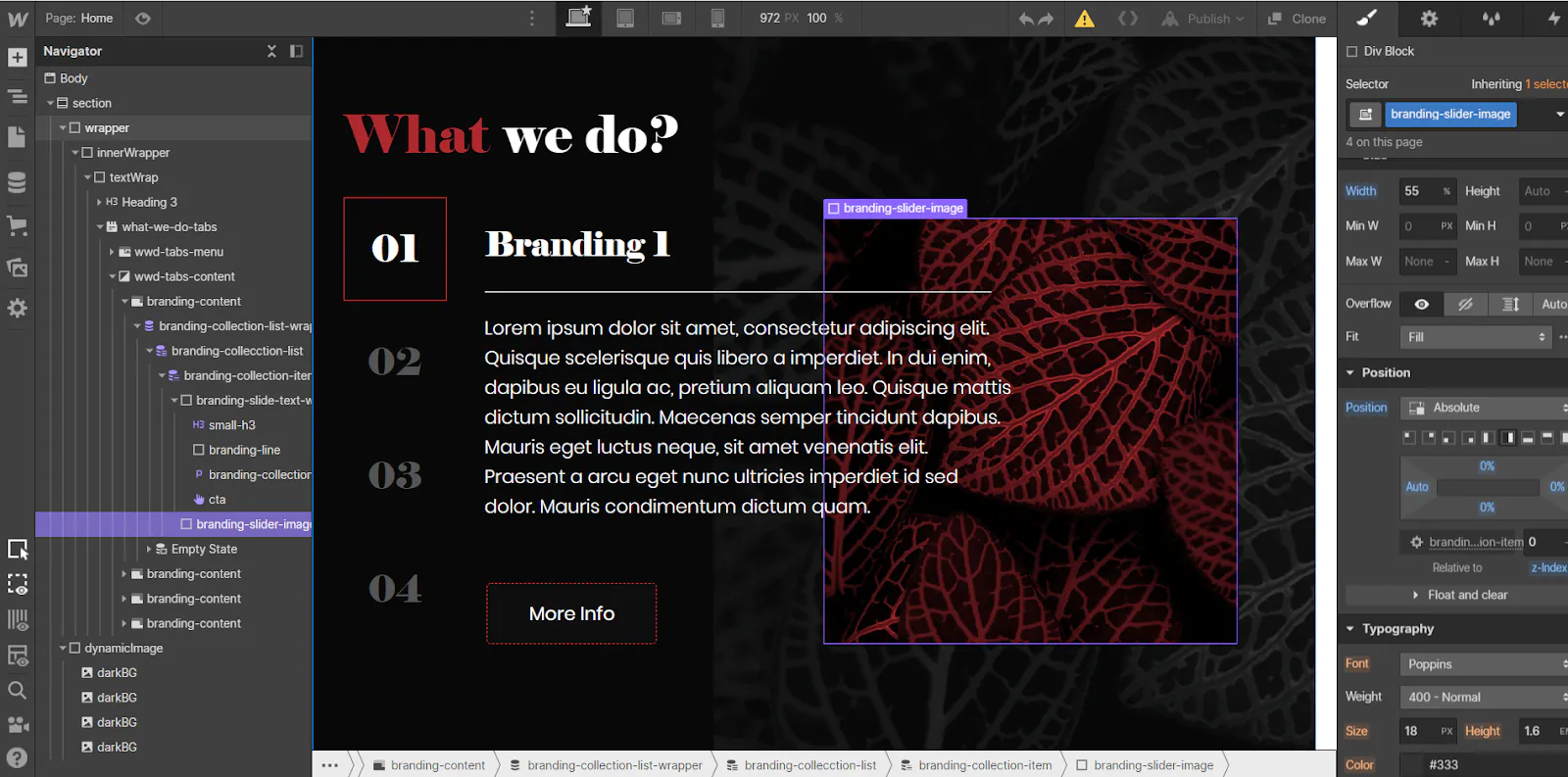
You can also collaborate with your colleagues on everything you create, and the detailed version history lets you see and track all your changes.
What’s more, what I appreciate is also being able to host a site on Webflow.
Pauline, a UX UI Designer currently on assignment for dgitags.io at a large corporate client, gives us her take:

I discovered Webflow recently. The interface is intuitive, and the tool gives a real-time preview of responsive mock-ups. A wide range of animations and interactions, delivering quality source code. Source code generated thanks to data management, built into the mock-up production phase. An interesting approach for creating portfolios and informational sites with expectations in terms of integrations and visual rendering, but in my view less suited to setting up much larger sites, such as complex platforms. But it already meets most current uses.
Your SEO tools built in
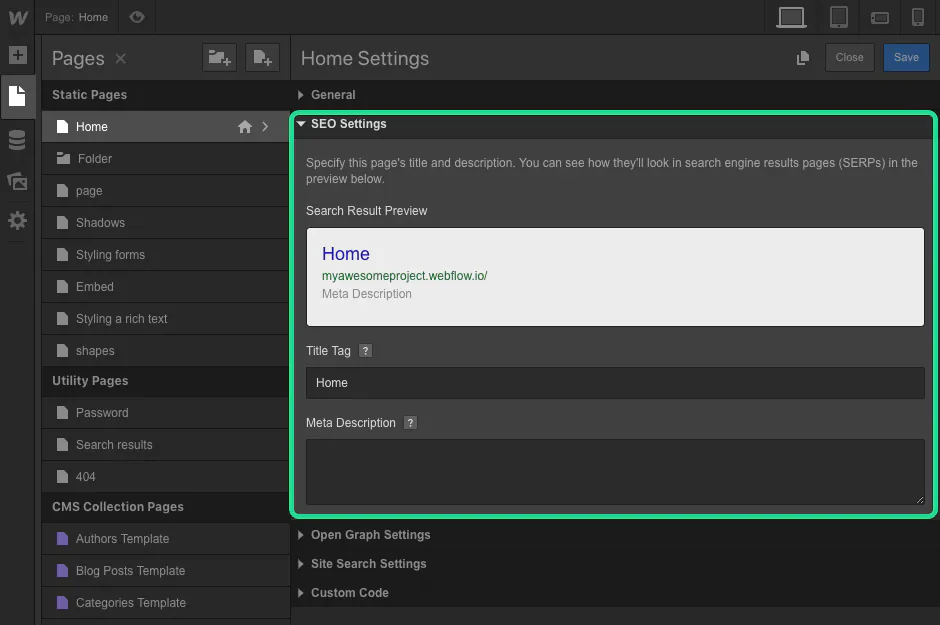
Search engine optimisation (SEO) is one of the most discussed topics in Webflow reviews - it’s a crucial part of a website builder, and I find they’ve simplified it quite a bit. The goal of SEO is to generate traffic to your site via specific keywords, hence the importance of not neglecting it.
The tool lets you customise the Title tag and Meta Description for each page without having to install an additional plugin (unlike WordPress). You can also fill in the ALT tag for each image directly from the interface. What’s more, Webflow automatically generates the site’s sitemap.
The code, from what I’ve seen, is very clean, which has a positive impact on SEO. Likewise, page loading times are fast.
If SEO matters to you, I think you’ll appreciate Webflow.
Confusing for a non-designer
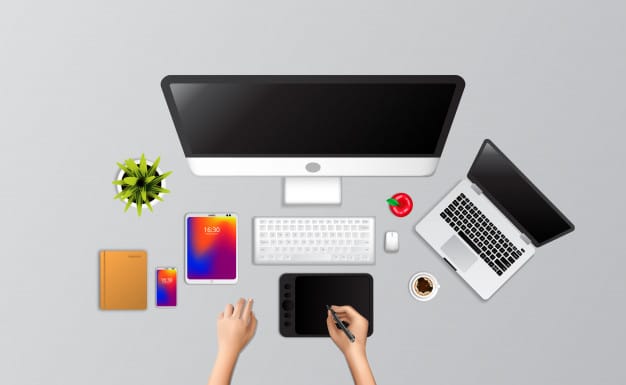
Where Webflow differs from most CMSs is that it’s aimed primarily at designers.
For non-professionals and beginners, the interface will probably be harder to get to grips with than other software such as Wix, Weebly or even Shopify. But as mentioned earlier, Webflow allows a fast learning curve thanks to its training resources.
In short, Webflow remains a professional design tool, like Sketch.
It’s a tool designed by and for designers. Better still, if you have development knowledge, you’ll get even more out of it. Diarmuid, our in-house expert, will tell you about it at the end of this article.
The main drawback: pricing plans that aren’t clear enough
This is the biggest problem I have with Webflow. I find the pricing structure confusing, with different plans for sites and accounts.
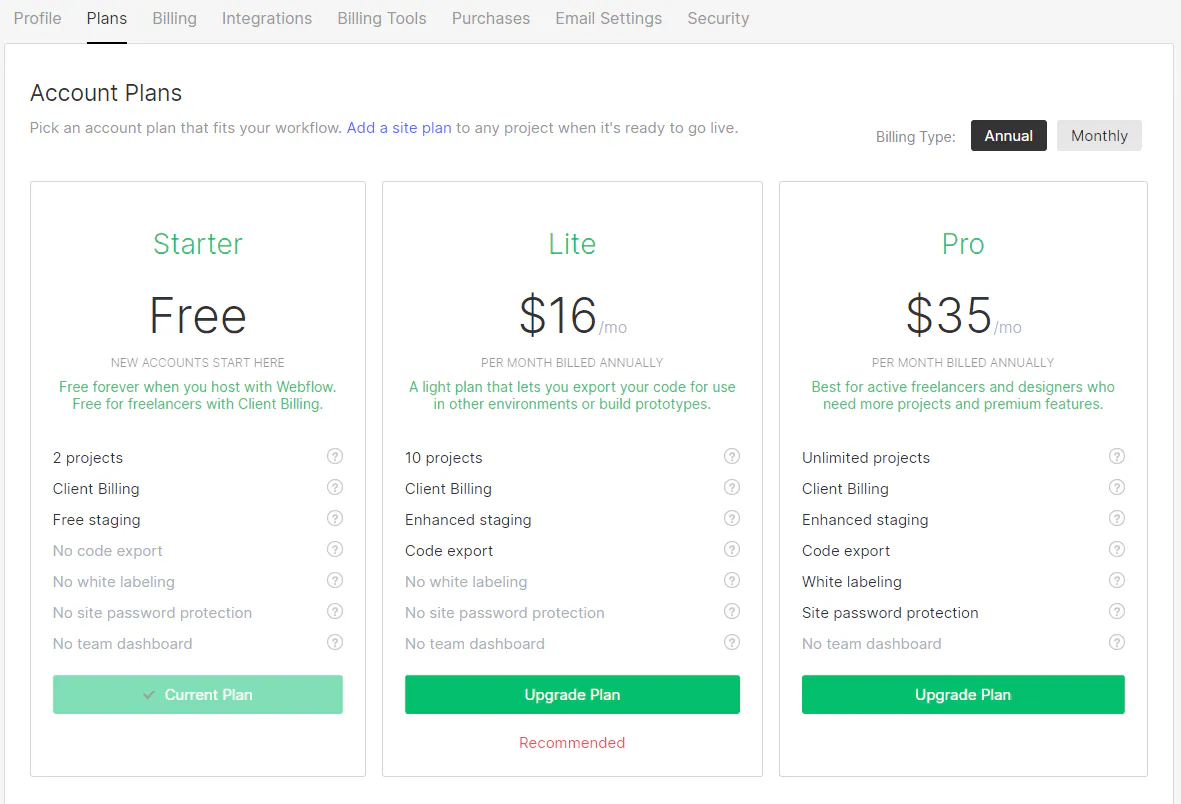
**Webflow has two levels of pricing: account plans and site plans.
Account plans: determine how many people on your team can use Webflow, and the number of projects.
Site plans: unlock higher traffic and e-commerce capacity. For example, if you want to host, create or manage 3 websites, you’ll need one account plan and 3 site plans.**
I haven’t fully understood all these features yet, and I sometimes find it hard to work out what’s needed. Apparently I’m not the only one :)
Webflow, the ally of your Design and Marketing teams
**While it remains professional software to be used by trained people, Webflow is nevertheless an excellent tool for creating high-quality prototypes.
Your users will be able to handle your prototype directly, without needing to imagine how the finished product will behave. They’ll be able to discover it almost instantly!**
**The tool simplifies the transition from a prototype to a finished user interface, because you design products with real code, instead of creating clickable mock-ups in any other prototyping tool such as Sketch or InVision. Webflow solves this problem for you, which is a real asset for a Design team.
Admittedly, it shouldn’t replace everything else, but it’s genuine added value.**
**What’s more, not having to call on a developer or an IT team lets a Design department save a lot of time on other projects or prototypes, or during discussions and workshops with the client.
Webflow is also the ally of your marketing teams, for producing and testing concepts quickly: that’s the Build & Launch principle the CMS is built on.**
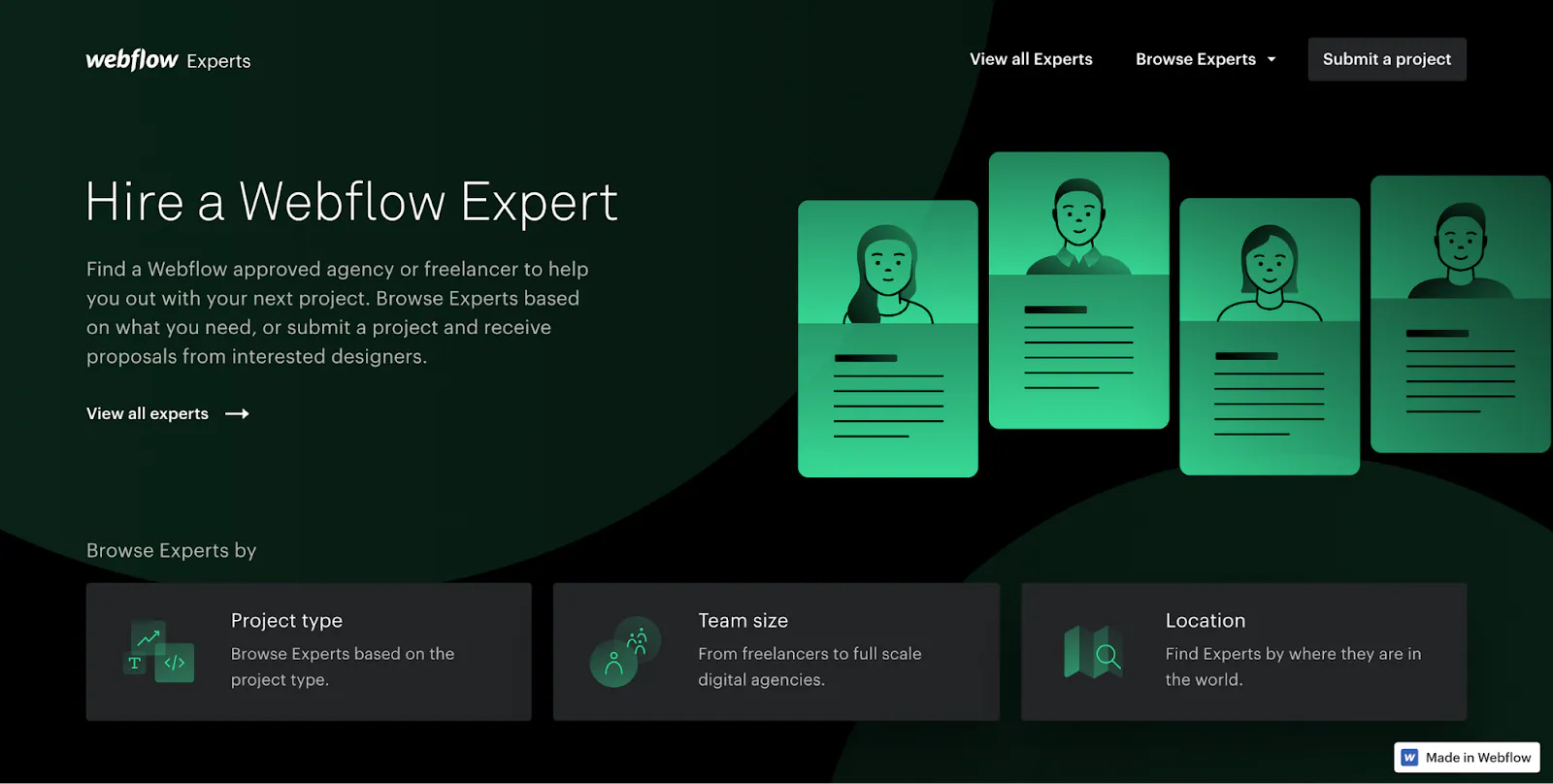
The dgitags.io teams use this tool daily for their projects, relying in particular on designers who have mastered it more deeply, like Diarmuid, and who can go as far as coding and automating certain tasks.
Diarmuid, head of the dgitags.io NoCode Studio, gave me his take for this article:
For Diarmuid, a designer and developer by training, Webflow is a game changer, notably thanks to its APIs.

Webflow is a dream come true for designers, businesses and entrepreneurs. It is the latest and greatest visual design, no-code tool. It allows designers to create production-ready, pixel-perfect, database-driven websites. Designers can follow their natural design instincts and ideas and bring them to life within Webflow - not limited by templates, content management systems or prohibitively expensive developer costs.
For brands looking to create bespoke online experiences and eCommerce stores - it is revolutionary, a game-changer. Businesses are harnessing the power of Webflow to communicate visually exactly who they are and how they can help their customers - without their website feeling like just another Squarespace, Shopify or Wordpress template.
With the “no-code” movement gathering momentum, the power and possibilities of Webflow are advancing rapidly. Webflows API means that it can be integrated with tools such as Zapier to extend its capabilities almost infinitely by automating workflows between apps - from CRMs like Hubspot, databases in Google Sheets and Customer Support from Intercom. All without writing a single line of code. For example, dgitags.io website and platform behind has been created with webflow & zapier.
A recent and exciting newcomer into the no-code world is Memberstack. Built specifically for Webflow, Memberstack allows businesses to enable memberships and accounts on their websites. With zero coding, websites can create user accounts and member-only content - with an option to accept payments and subscriptions.
As Webflow evolves, it continues to create possibilities and opportunities for those positioned and ready to harness its power.
In conclusion, his view clearly reflects the interest and power of such a tool, but to exploit it fully you need to be very well trained. On your own you can do a lot, but a well-trained team like our specialised studio for example, can go much further.
I’ll leave you with his take.
And you, do you know this tool? Have you heard of it?
Don’t hesitate to contact us to talk about it.
I hope you enjoyed this article and that it makes you want to go further!